Remove Text from Video Online Free
Upload Your Video
Drag and drop or click to select your video file
Drop your video here
or click to browse files
Free AI video text remover to erase captions, logos, and text overlays from any video — no blur, no quality loss. Remove text from video, delete watermarks, and clean TikTok clips in minutes.
AI Video Text Remover — Erase Captions, Text & Watermarks Without Blur
Need to remove text from video without blur? videoremover.app is a free online video text remover powered by AI inpainting. Upload your clip and erase hardcoded captions, TikTok text overlays, logos, and watermarks — no editing skills or software required.
Whether you search for video text remover, text remover from video free, or remove words from video — our AI text remover delivers clean HD results. Remove text from video online free without login, with original quality preserved and no watermarks on export.
AI Video Text Remover — Remove Text from Video Without Blur
Looking for a video text remover that actually works? videoremover.app uses AI inpainting to remove text from video while reconstructing the background pixel by pixel. Erase hardcoded captions, lower-thirds, and text overlays from any clip — the best ai remove text from video tool for creators who need clean footage for Instagram, YouTube, or ad campaigns.

Remove Text from TikTok Video Online Free
Use videoremover.app as your TikTok text remover and caption remover from video. Upload a TikTok clip and erase burned-in captions, usernames, or watermarks in seconds. Repurpose short-form content across platforms without re-shooting — our text remover from video free tier gets you started instantly, no login required.
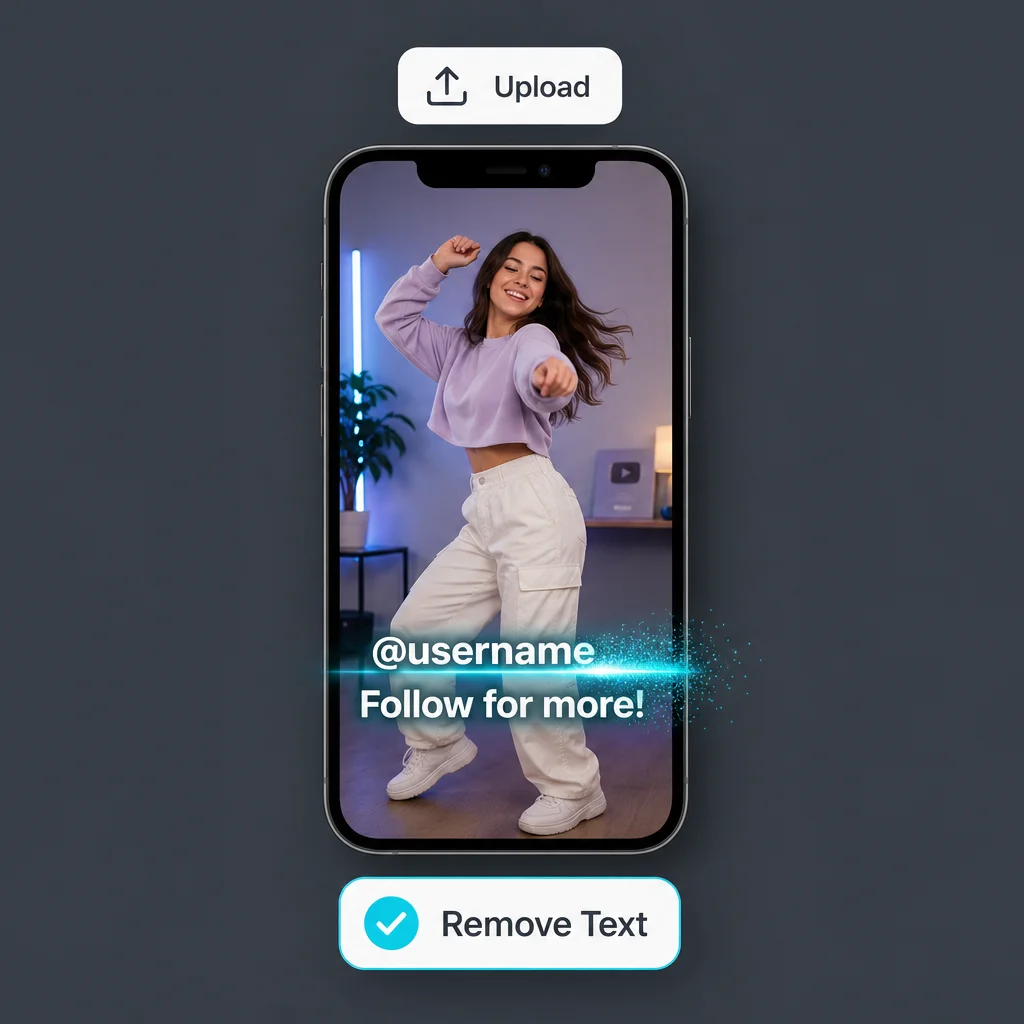
Delete, Erase & Remove Words from Any Video
From delete text from video to erase text from video and remove words from video — one AI video text remover handles it all. Batch-ready processing removes logos, subtitles, and watermarks while preserving original quality. Remove text from video online free without blur, a smarter alternative to manual editing in CapCut or Canva.
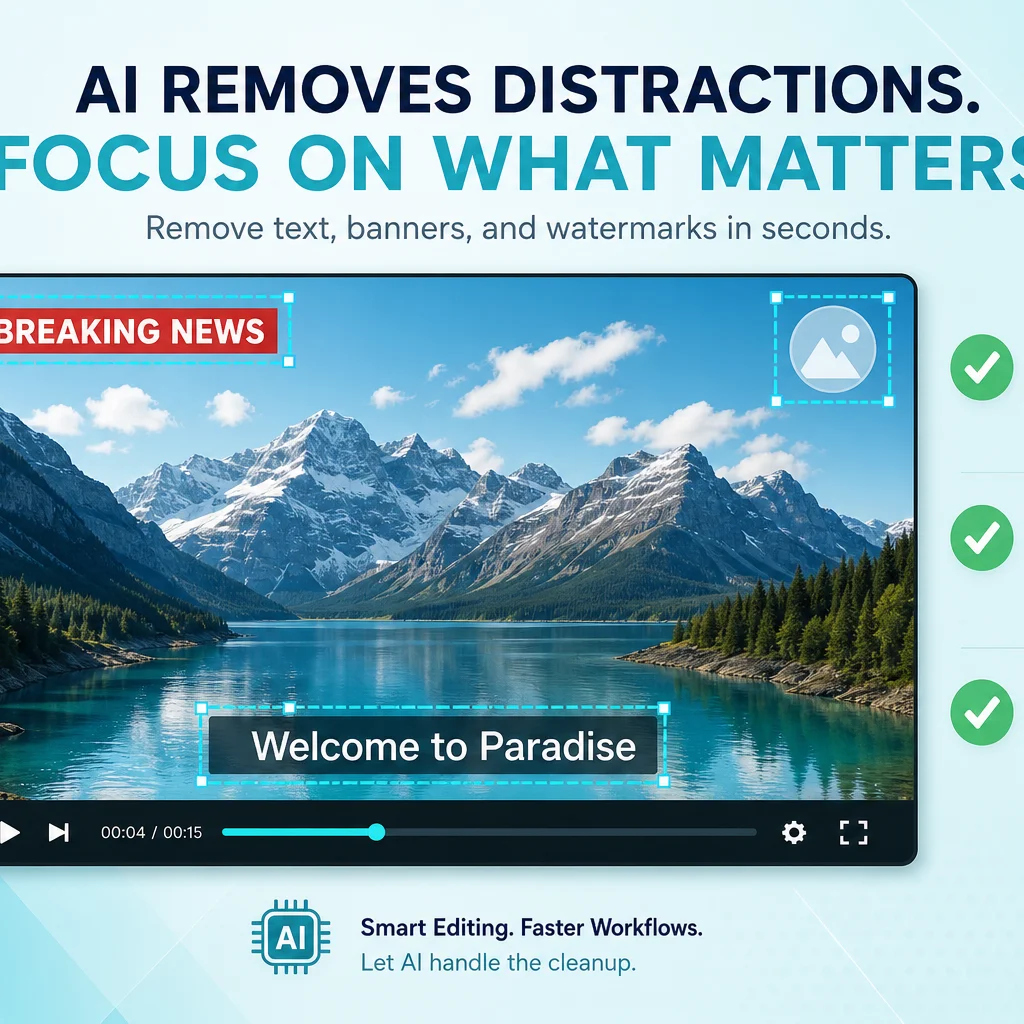
How to Remove Text from Video in 3 Easy Steps
Upload Your Video
Upload any video with text overlays, captions, watermarks, or logos — from TikTok, Instagram, YouTube, or other platforms. Our AI video text remover supports MP4, MOV, AVI, and more.
AI Removes Text & Captions
Select the text areas and let our AI remove text from video without blur. Advanced inpainting reconstructs backgrounds so your video looks untouched.
Download Clean Video
Download your text-free video in full quality. No watermarks added, no quality loss — just a clean result ready to post anywhere.
More Ways to Remove Text from Video
Explore specialized AI tools for removing watermarks, captions, subtitles, and logos — all powered by our video text remover.
Remove Watermark from Video
Easily remove watermarks, logos, and text overlays from your videos with our AI-powered tool.
Remove Subtitle from Video
Automatically detect and remove hardcoded subtitles and captions from any video file.
Remove Captions from Video
Remove hardcoded captions from video online.
Remove Logo from Video
Easily remove logos and branding from your videos.
Pricing
Choose the plan that works best for you
FAQ
How to Remove Text from Video — Common Questions
Remove Text from Video Online Free
Try our free AI video text remover — erase captions, TikTok text, and watermarks without blur. No login required.
Loved by Creators